Presentation Mode & Editor Mode
Two User Interfaces
Presentation Mode | Editor Mode |
|---|---|
Limited to menus necessary for presentation 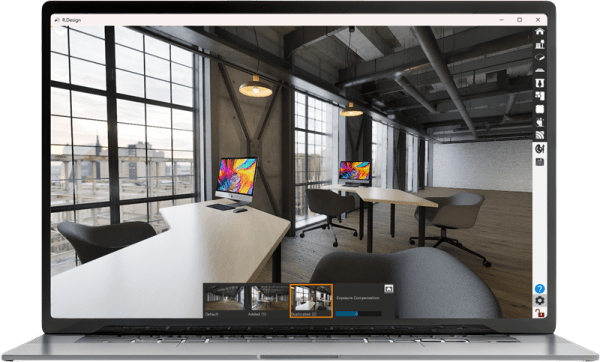 Switch multiple cameras using the pop-up menu at the bottom of the screen. 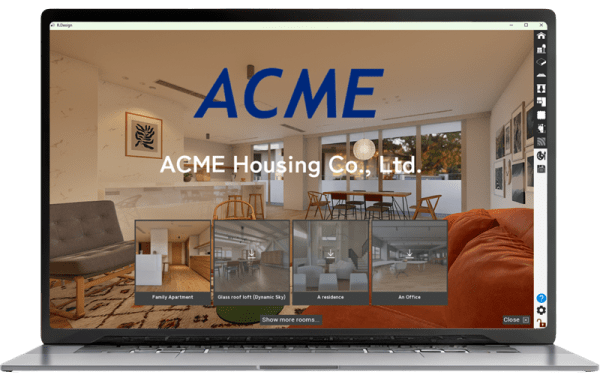 Presentation mode top screen You can display your company name and logo at the top page of presentation mode.
| Exposes all the detailed menus needed to edit a room 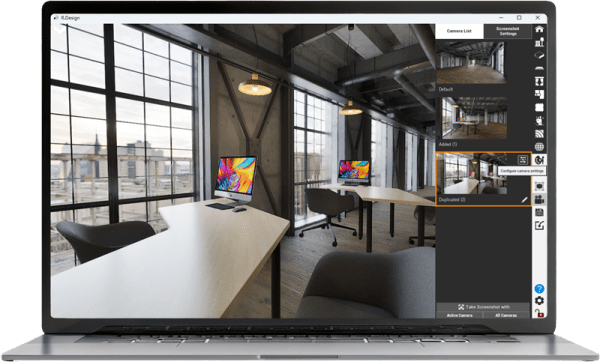 Example) You can duplicate cameras, and configure detailed camera parameters for each camera. 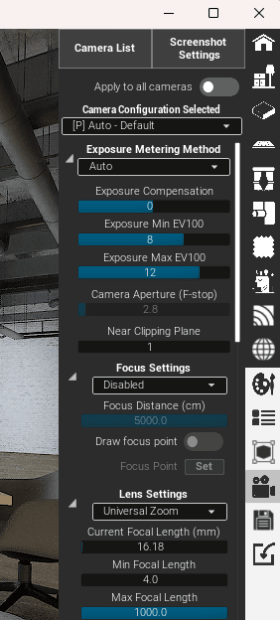 |
Switch the User Interface
At the start of the App, you will be prompted to select either Presentation Mode or Editor Mode.

If you switch the active mode during the play, go to Setting > App UI, and switch your User Interface.
